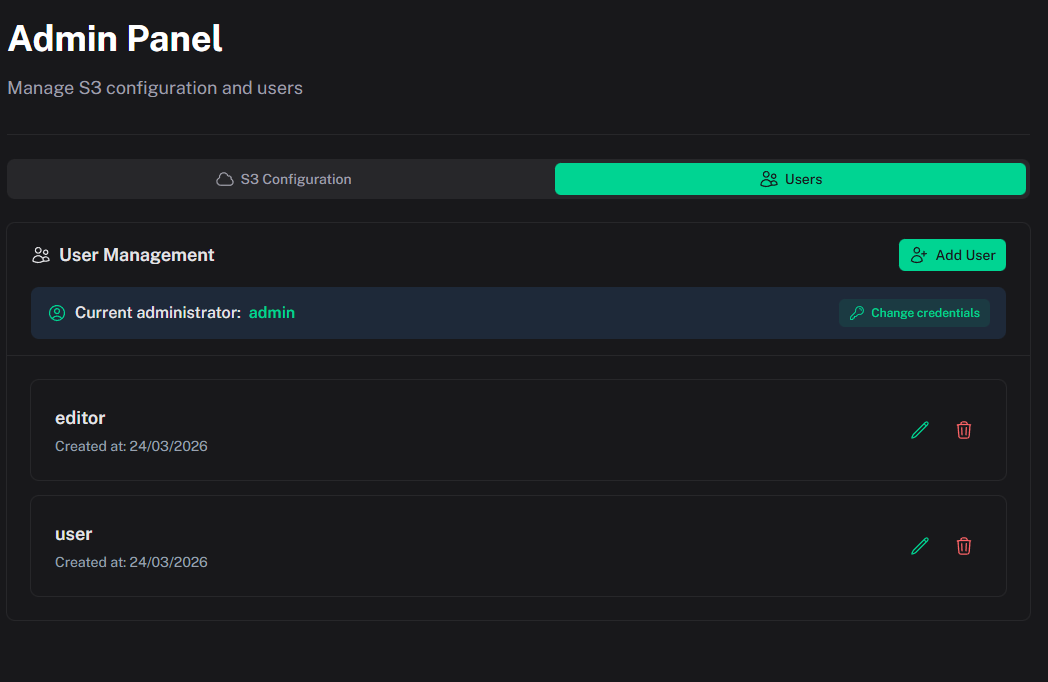
User Roles
BucketFlow uses two roles: Admin and Editor.
Admin
Admin has full access to:
- all destinations and buckets;
- the Admin Panel;
- creating/updating/deleting S3 destinations;
- user management;
- bucket creation, rename, and delete;
- bucket used-size in the sidebar;
- all file operations, including bulk delete;
- read-only S3 object (system) metadata in the metadata dialog;
- enabling public access on destinations.
Editor
Editor can work only with destinations assigned by an admin:
- browse, upload, download, bulk-delete, and rename files;
- create, delete, and rename folders;
- edit user-defined object metadata;
- work with public links only on destinations that allow anonymous access.
Editor limitations:
- no Admin Panel access;
- no user management;
- no bucket creation, rename, or delete;
- no bucket size listing;
- no S3 system (object) metadata panel.