User Management
This section is available at Admin Panel → Users.
Only Editor users are created via UI. The first admin account is created on initial setup.
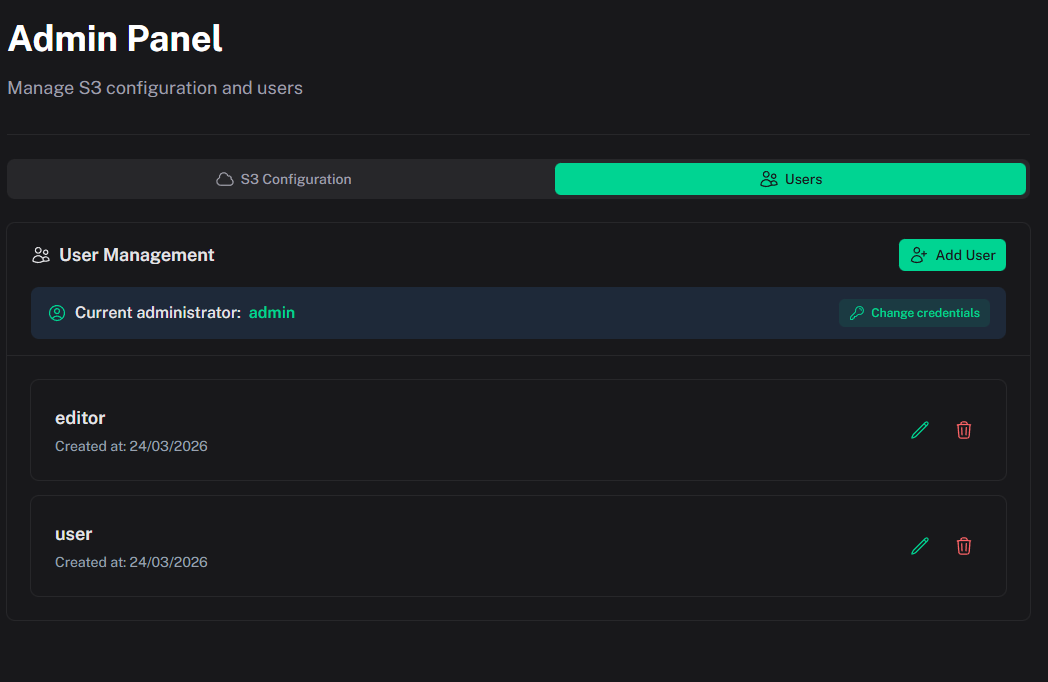
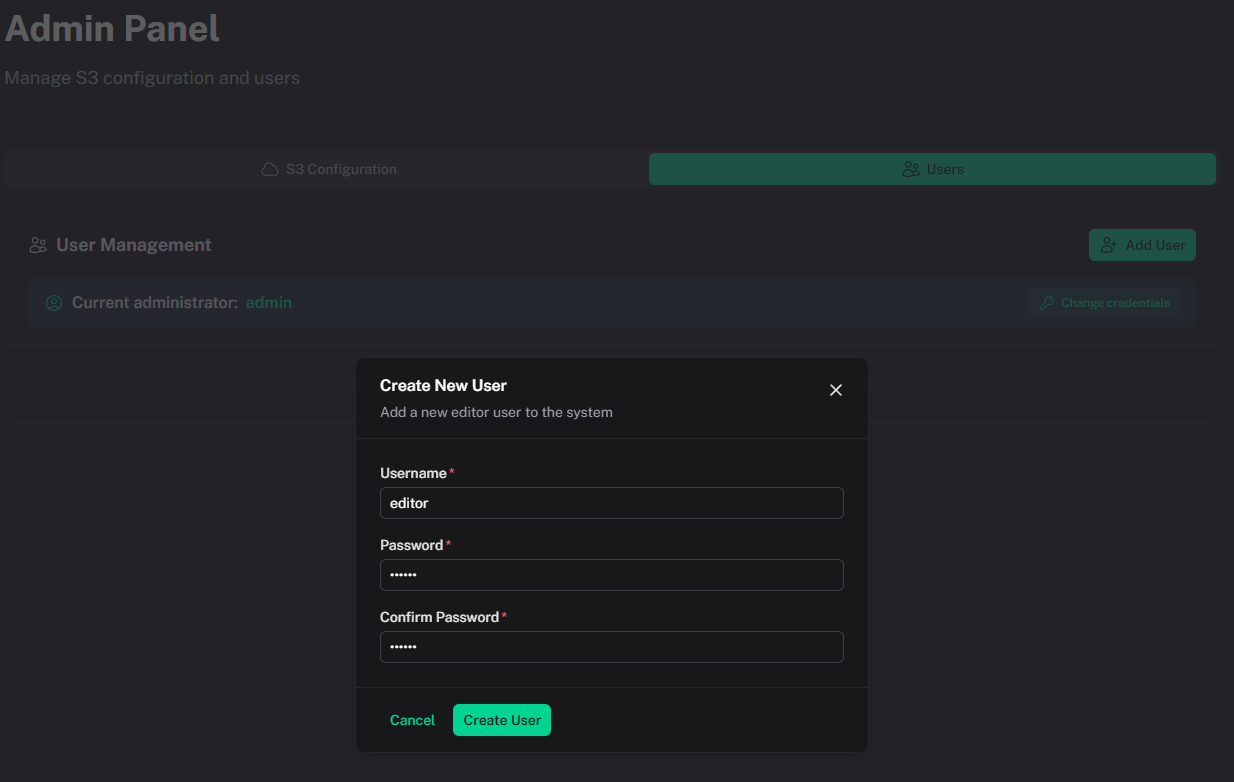
Creating an editor user
- Open Admin Panel → Users
- Click Add User
- Enter username (minimum 3 characters)
- Enter password (minimum 6 characters) and confirmation
- Click Create User
Editing and deleting users
- Edit — update username and/or password
- Delete — remove an editor user
- Current admin has a dedicated Change credentials flow
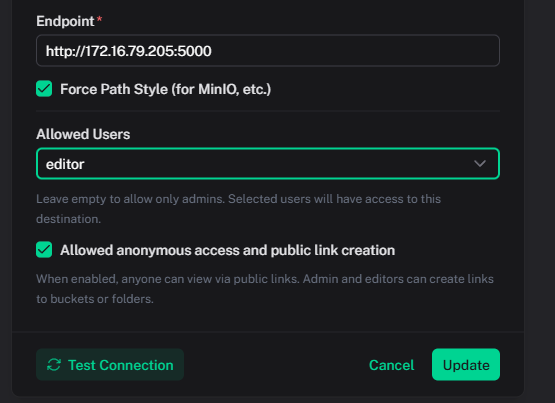
After creating editor users, grant destination access in S3 Destinations using Allowed Users.